
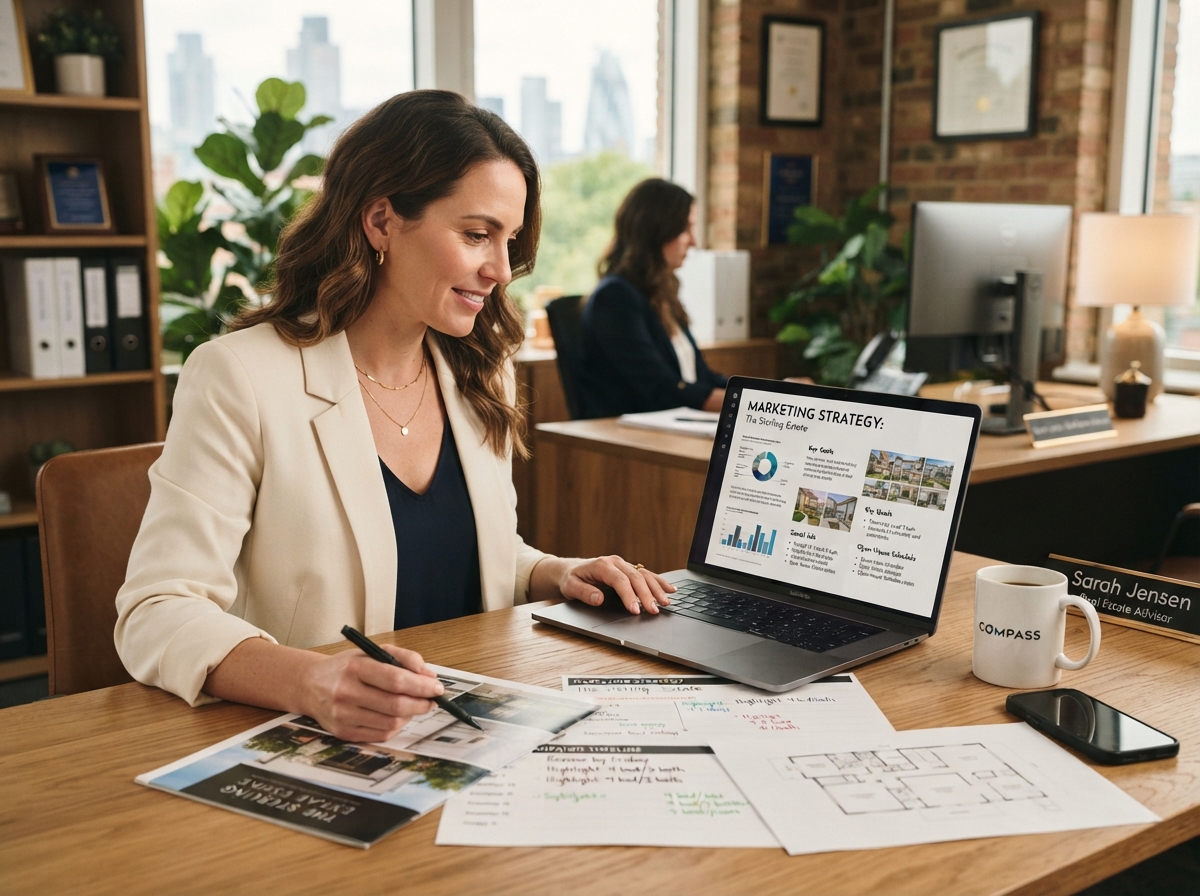
An open house flyer has one job: get someone standing in the entryway to actually walk through the house. That means short, scannable copy, not a full listing description crammed onto one page and shrunk down until it's unreadable. AI is well suited to this specific job, because writing tight, punchy copy under a strict word count is exactly the kind of task it handles quickly once you give it clear constraints.
Why Flyer Copy Is Its Own Skill
It's tempting to just copy and paste your listing description onto a flyer template and call it done. That almost never works well. A listing description is written for someone scrolling online, comparing it against a dozen other homes, with time to read every sentence carefully. A flyer is read by someone standing in a driveway or an entryway for a few seconds, deciding whether to walk in or move on to the next open house on their list. Those are two different writing tasks, even though they're describing the same property.
Flyer copy needs to work the way a highway billboard works: a handful of words, readable at a glance, that give someone enough of a reason to take the next step. Everything else — square footage details, full room-by-room descriptions, the history of the neighborhood — belongs somewhere else, not on this one page.
A Fast Workflow You Can Use Today
Here's a workflow that gets a finished flyer draft in about ten minutes, most of which is gathering information you probably already have on hand.
Step 1: Gather the basics. Address, date and time, price, bed and bath count, and two or three features you genuinely want to highlight. Don't try to list everything the home has — pick the two or three details most likely to catch someone's eye, whether that's a recently updated kitchen, a large fenced yard, or a walkable location.
Step 2: Use a tightly scoped prompt. Something like: "Write open house flyer copy for [property details]. Include a short headline (under 8 words), three bullet points highlighting the best features, and one closing line inviting visitors to the open house. Keep the total word count under 60 words." The tighter the constraint, the better AI performs at this particular task — vague prompts produce vague, overly long copy that defeats the purpose of a flyer in the first place.
Step 3: Drop the copy into your template. AI handles the words; you still need an actual flyer template with photos and your contact information, whether that's Canva, your brokerage's branded template, or a simple document you've built yourself. The words are only half of a good flyer — professional photos and a clean layout matter just as much.
Step 4: Read it out loud before printing. Flyer copy needs to work at a glance, and reading it aloud is the fastest way to catch anything that sounds too wordy or awkward when spoken. If you stumble over a sentence reading it aloud, a stranger skimming it in five seconds will stumble over it too.
What the Output Actually Looks Like
A sample output from this process: "Sunlit & Move-In Ready — 123 Maple St. • $425,000 • 3 bed / 2 bath • Open floor plan with updated kitchen • Fenced backyard with mature landscaping • Walking distance to downtown Fairview. Stop by Saturday, 1–3pm — no appointment needed."
That's a flyer someone can read in five seconds while standing in your driveway, which is exactly the point. Notice how little it tries to do. It doesn't mention every upgrade, doesn't include a paragraph about the neighborhood's history, and doesn't try to close the sale on paper. It just gives enough specific, appealing detail to get someone through the front door, where the real selling happens in person.
Common Mistakes This Approach Avoids
The most common flyer mistake is simply cramming in too much. An agent who's proud of everything they've done to prepare a listing wants to mention all of it, and the flyer ends up dense with text that nobody actually reads standing up. Giving AI a strict word count forces a choice about which details matter most, which is a discipline worth having even if you end up writing the final version yourself.
The second common mistake is generic language that could describe any home — "beautiful," "must-see," words that add length without adding information. Because the prompt structure above asks for specific features rather than vague praise, the output tends to avoid this trap naturally, especially if you feed it real details rather than adjectives.
Adjusting for Different Kinds of Open Houses
Not every open house calls for the same tone. A first open house on a freshly listed, competitively priced home in a hot market can lean energetic and urgency-driven, since the goal is capturing as much traffic as possible in that first weekend. A price-adjusted open house on a home that's been sitting for a while benefits from a calmer, more inviting tone that doesn't draw attention to how long it's been on the market — leading with the property's strengths rather than any sense of urgency that might read as desperation.
You can build this distinction directly into the prompt: adding "tone: energetic and urgent, this is a hot new listing" versus "tone: warm and inviting, avoid any language suggesting urgency" changes the flavor of the output noticeably, even with the same underlying property details.
Building a Flyer Template Library
Once you've run this process for a handful of listings, it's worth saving a few variations as templates you can reuse. A "hot new listing" version, a "price-adjusted, second open house" version, and a "luxury listing" version with a slightly more restrained tone each cover a different situation you'll run into repeatedly. Having these as starting points means future flyers take even less than ten minutes — you're filling in property specifics rather than reconstructing the prompt structure from scratch every time.
Pairing the Flyer With a Digital Version
The same short-form copy that works on a printed flyer usually works, with minor tweaks, as the caption for a same-day social media post announcing the open house. Ask the AI for a version of the same content adjusted for Instagram or Facebook, and you get a second useful piece of marketing out of the same ten minutes of work. A simple follow-up prompt like "turn this into a 40-word Instagram caption with three relevant hashtags" reuses everything you already gathered without starting over.
This kind of small multiplication — one round of information gathering producing both a printed flyer and a social post — is where AI-assisted marketing tasks save the most real time. The bottleneck was never writing itself; it was gathering the details and deciding what to emphasize. Once that's done, generating multiple formats from the same source material takes almost no additional effort.
A Final Check Before You Print
Before sending any flyer to print, double check every fact against the actual listing: the price, the exact address, the date and time, and the bed and bath count. AI is working from whatever you typed into the prompt, and if a number was wrong going in, it will come back wrong and confidently formatted, ready to be printed and handed to fifty strangers at an open house. A thirty-second fact check against your MLS listing before hitting print is a small habit that prevents a genuinely embarrassing mistake, and it's worth building into your routine every single time, not just when something feels off.
Getting into the habit of running new listings through this same quick process, rather than writing flyer copy from scratch or skipping a flyer altogether because it feels like one more task on a busy day, is what turns this from an occasional nice-to-have into a small, reliable part of every listing launch.
Why Ten Minutes Is a Realistic Number
It's worth being honest about where those ten minutes actually go, since the number can sound optimistic to an agent who's spent much longer on flyer copy in the past. Gathering the property basics takes two or three minutes if you already know the listing, since most of that information is sitting in your MLS entry or your own notes. Writing the prompt and reviewing the output takes another two or three minutes, especially once you've used this structure a few times and aren't rebuilding it from scratch. Dropping the copy into a template and doing a quick read-aloud check takes the rest. None of these steps is instant, but none of them requires the kind of sustained, blank-page writing effort that used to make flyer copy feel like a chore worth avoiding.
The time savings compound the more listings you're running at once. An agent with a single active listing might not notice much difference. An agent juggling four or five open houses in a single weekend feels it immediately, since the alternative — writing four or five flyers from scratch under time pressure — is exactly the kind of task that gets rushed, skipped, or handed off without much thought. A fast, repeatable process means the flyer for listing five gets the same care as the flyer for listing one, instead of visibly running out of steam by the end of a busy week.
When to Skip This Process Entirely
Not every open house needs a freshly generated flyer. If you're holding a second or third open house for the same listing within a short window, and nothing about the property or price has changed, reusing the existing flyer is often the better call rather than generating a new one just for the sake of it. Save the fresh-generation process for a new listing, a price change, or a meaningfully different angle you want to try — a flyer emphasizing the finished basement after a round of feedback suggested buyers weren't noticing it, for instance. Treating every single open house as an opportunity for brand-new copy adds effort without adding value when nothing about the situation has actually changed.